Content Creators
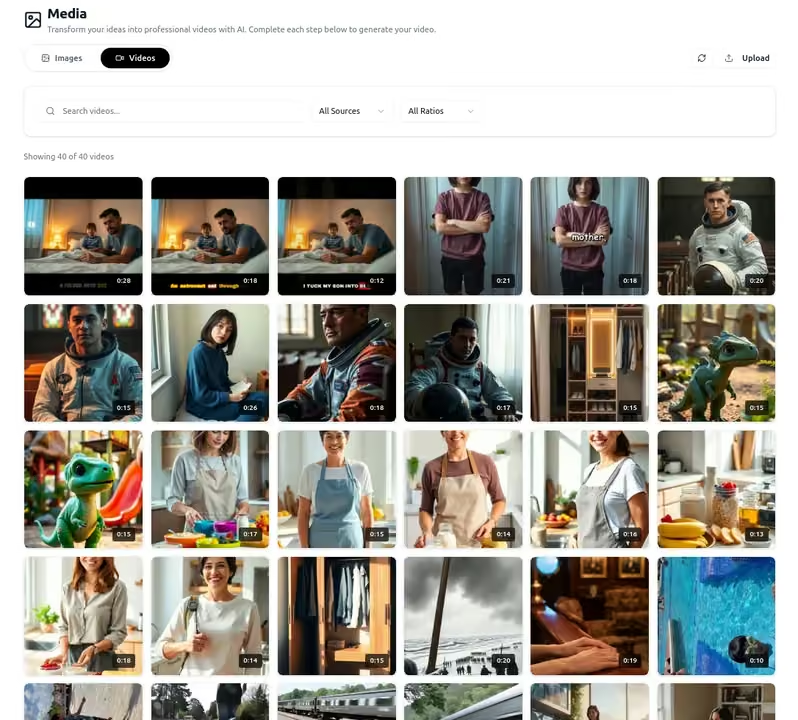
Turn AI-generated images and clips into finished posts. Crop, add text and effects, and save to your Media Library without switching apps.
Design & Edit
Start from a template or a blank canvas. Crop and filter images, trim videos, add text, effects and animation, then export or save to your Media Library — all inside Qten, with nothing to install.
Free plan · No credit card
How it works
Templates
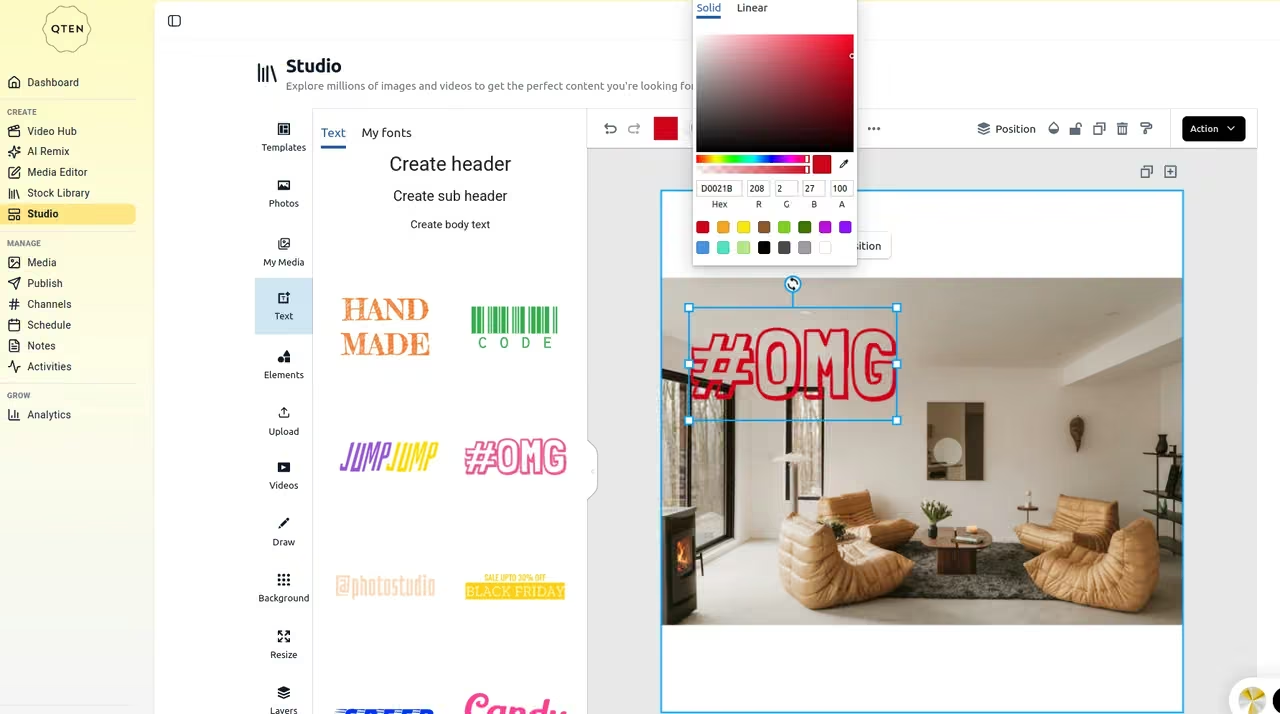
Start from a ready-made design for Instagram posts and Stories, YouTube thumbnails, Facebook covers, LinkedIn banners and more. Search by keyword, or show only templates that match your canvas size.
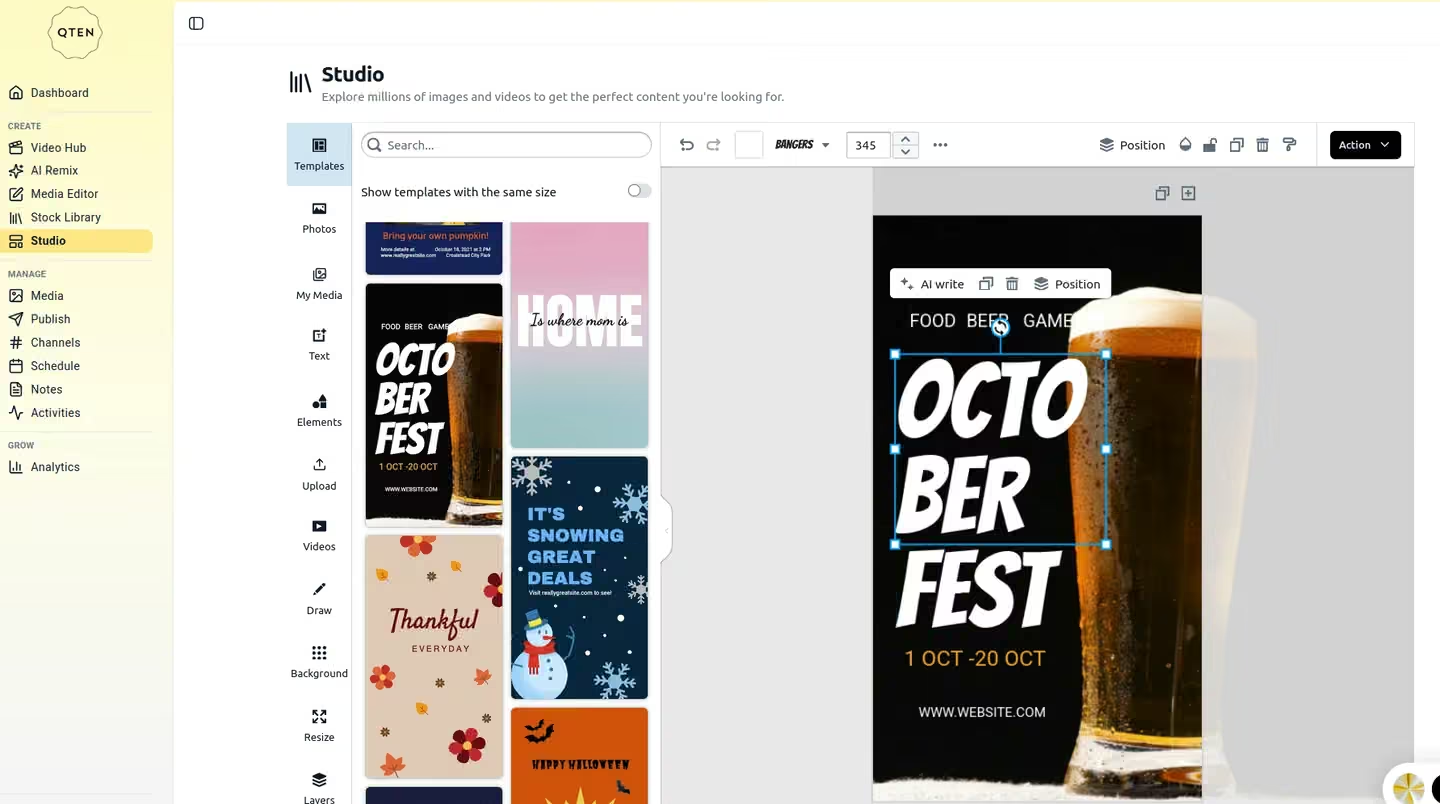
Image Editing
Crop, flip and mask images, fine-tune brightness, contrast, temperature and saturation, or apply a filter preset in one click. Add a fade, shadow or border, and layer images with 16 blend modes.
Text & Video
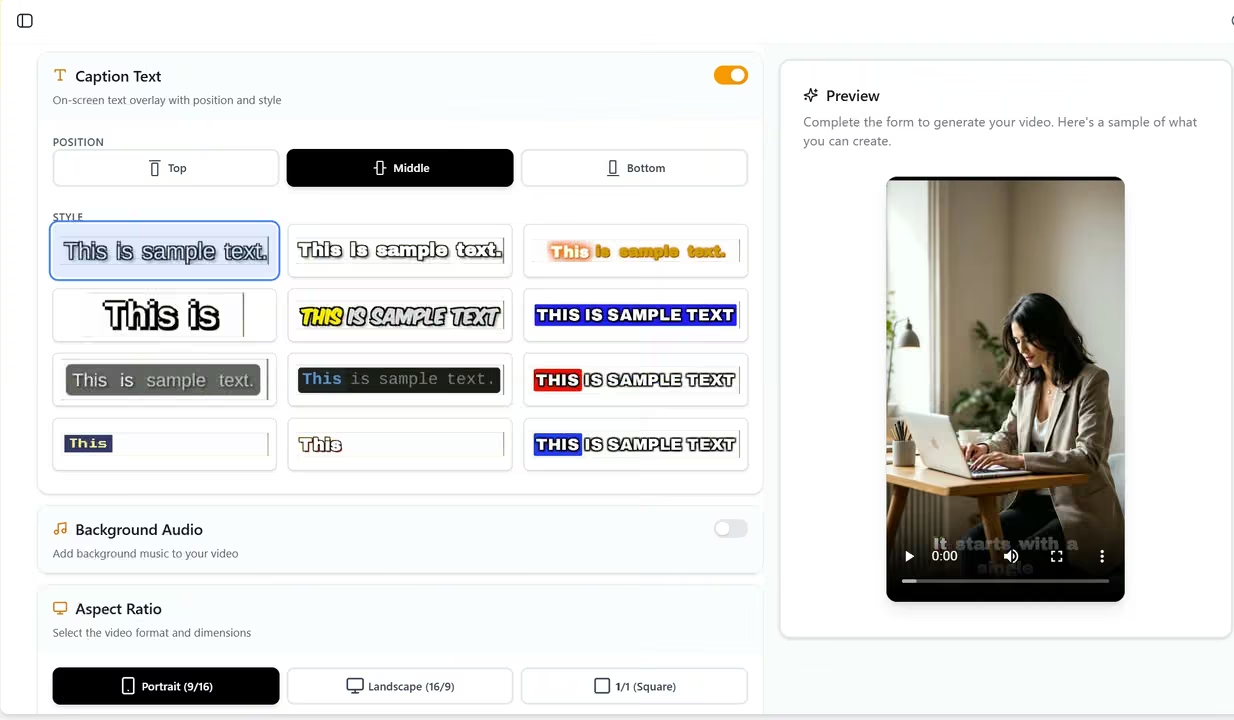
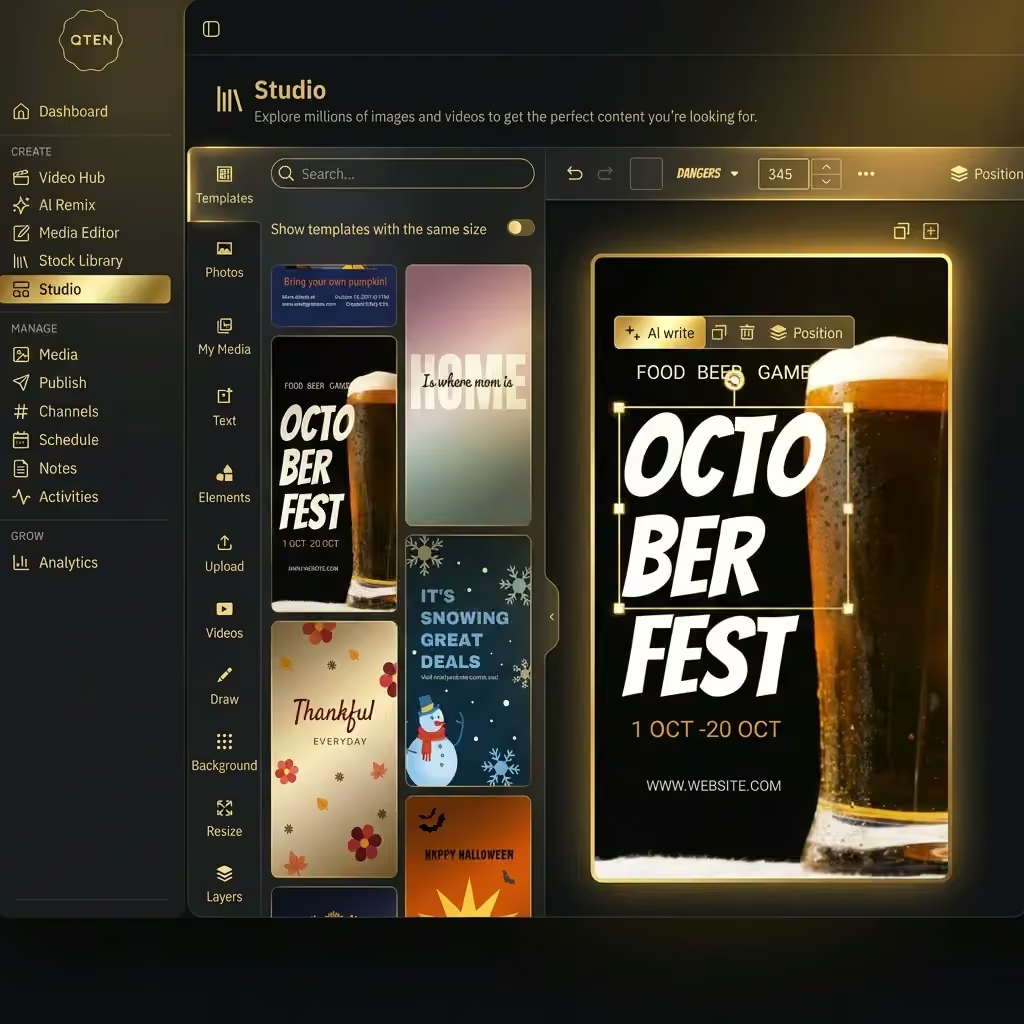
Style headings with one-click text effects like Shadow, Glow, Outline and Sticker, or let AI help write the copy. Add videos from your Media Library or stock footage, trim them, adjust speed and volume, and animate any element.
Resize & Export
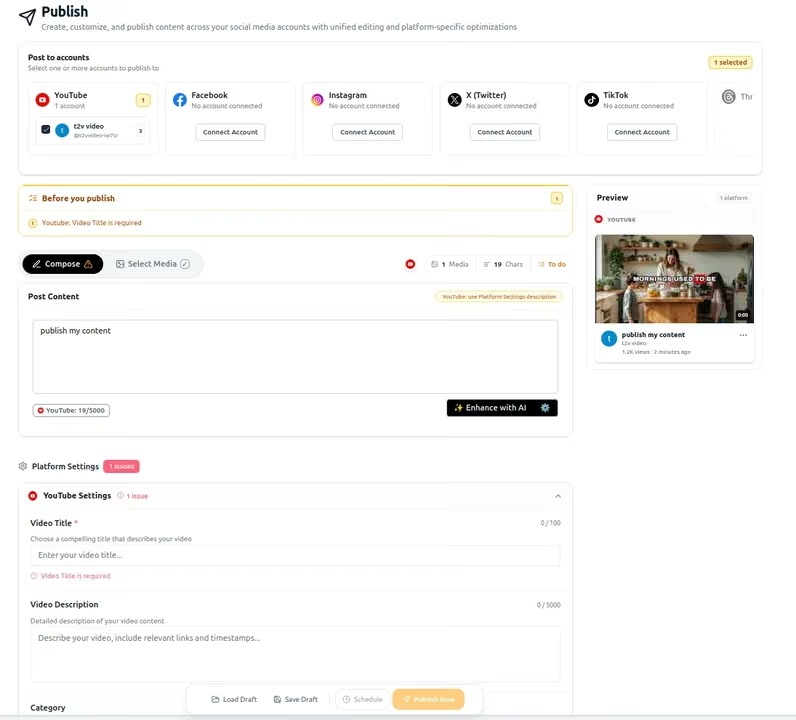
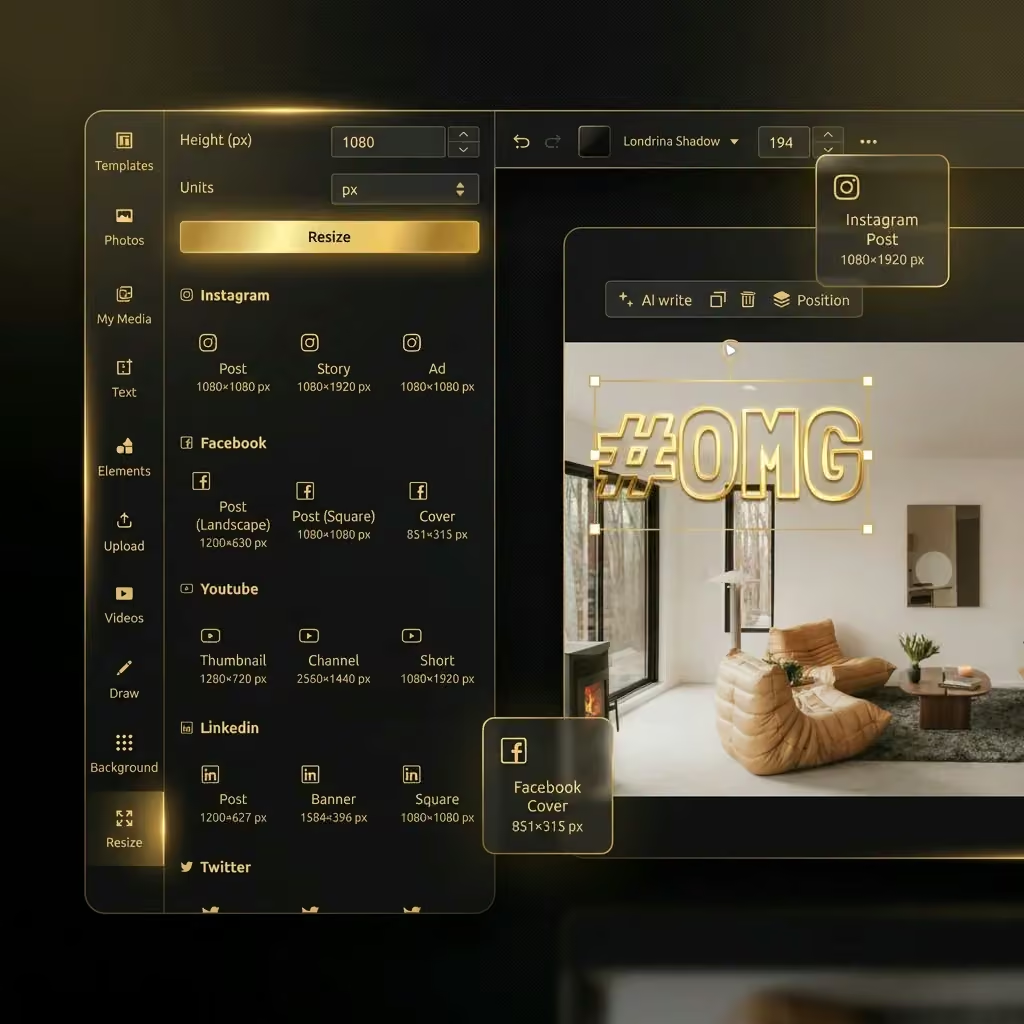
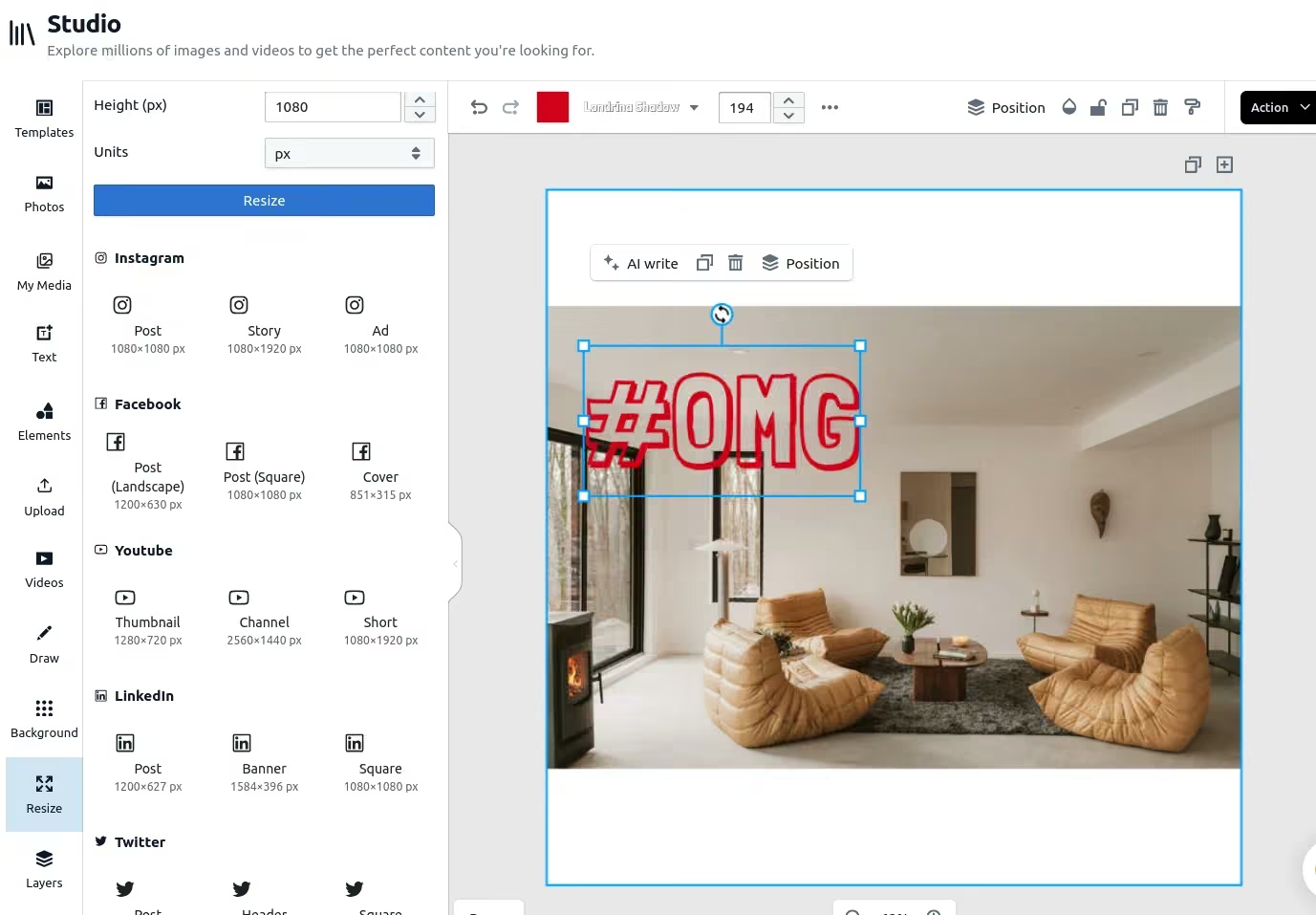
Switch to a preset size for Instagram, Facebook, YouTube, LinkedIn or X, or set your own. Download your design as MP4, PNG, PDF, GIF, SVG or PowerPoint, or add it to your Media Library in one click and publish it with Publish & Schedule.
Who uses it
Whether you post for one brand or many client accounts, Studio gives you the templates and editing tools to produce polished content fast.
Turn AI-generated images and clips into finished posts. Crop, add text and effects, and save to your Media Library without switching apps.
Resize one design for every channel — square for Instagram, vertical for Stories and Shorts, widescreen for YouTube — and keep every client's content consistent.
Look professional on social media without a design team or expensive software. Choose a template, add your logo and message, and go live in minutes.
FAQ
Studio is built on Polotno, a professional browser-based design editor. It runs entirely in your browser, so there is nothing to install.
Yes. Add a video from your Media Library, the stock video library or an upload, then trim it, change its speed and volume, and place text, graphics and animation on top. Export the result as MP4.
Yes. Upload your logo, images, videos and fonts, or add files straight from your Media Library. Enter exact brand colours with hex codes in any colour picker.
Studio includes a large template library covering Instagram posts and Stories, YouTube thumbnails, Facebook covers, LinkedIn banners and more. You can also start from a blank canvas at any size.
Yes. Add your design to the Media Library in one click, then publish or schedule it to your connected accounts with Publish & Schedule. You can also download it as MP4, PNG, PDF, GIF, SVG or PowerPoint.
No. Files in your Media Library are never modified. When you add a design to the Media Library, Studio saves it as a new file.
Yes. Studio is included on every plan, including Free.
Discover other powerful tools in the Qten AI platform
Pick a template or a blank canvas, make it yours, and export. Free to start, no credit card required.
Open Studio Free