Social Media Creators
Turn trending topics, opinions, and creative concepts into polished short-form videos instantly. Stay consistent on TikTok, Instagram Reels, and YouTube Shorts without spending hours in post-production.
Idea to Video
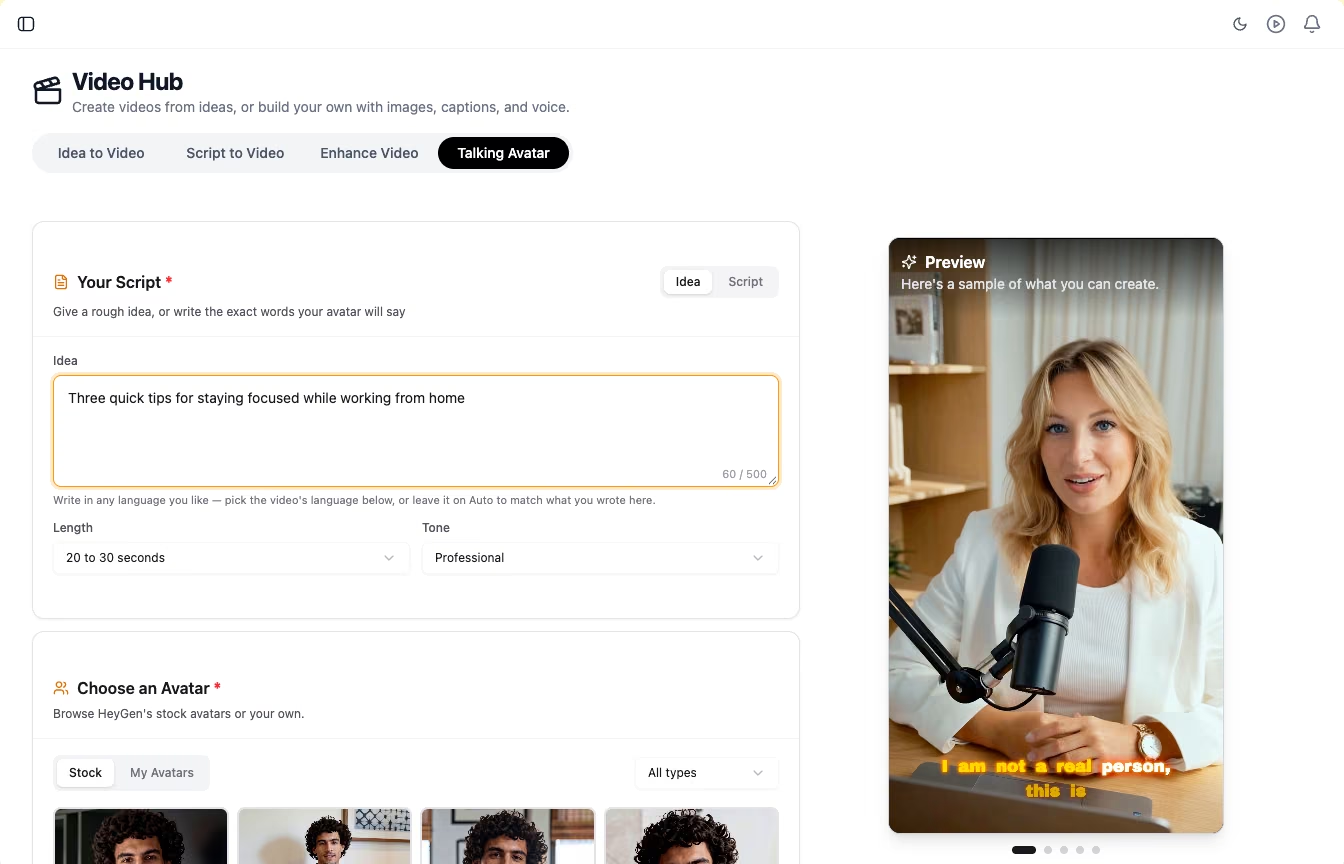
Describe what you want to say. Qten AI improves your idea into a polished, video-ready script — then generates the full video with narration, captions, background music, and art-style visuals.
Free plan · No credit card
How it works
Step 1
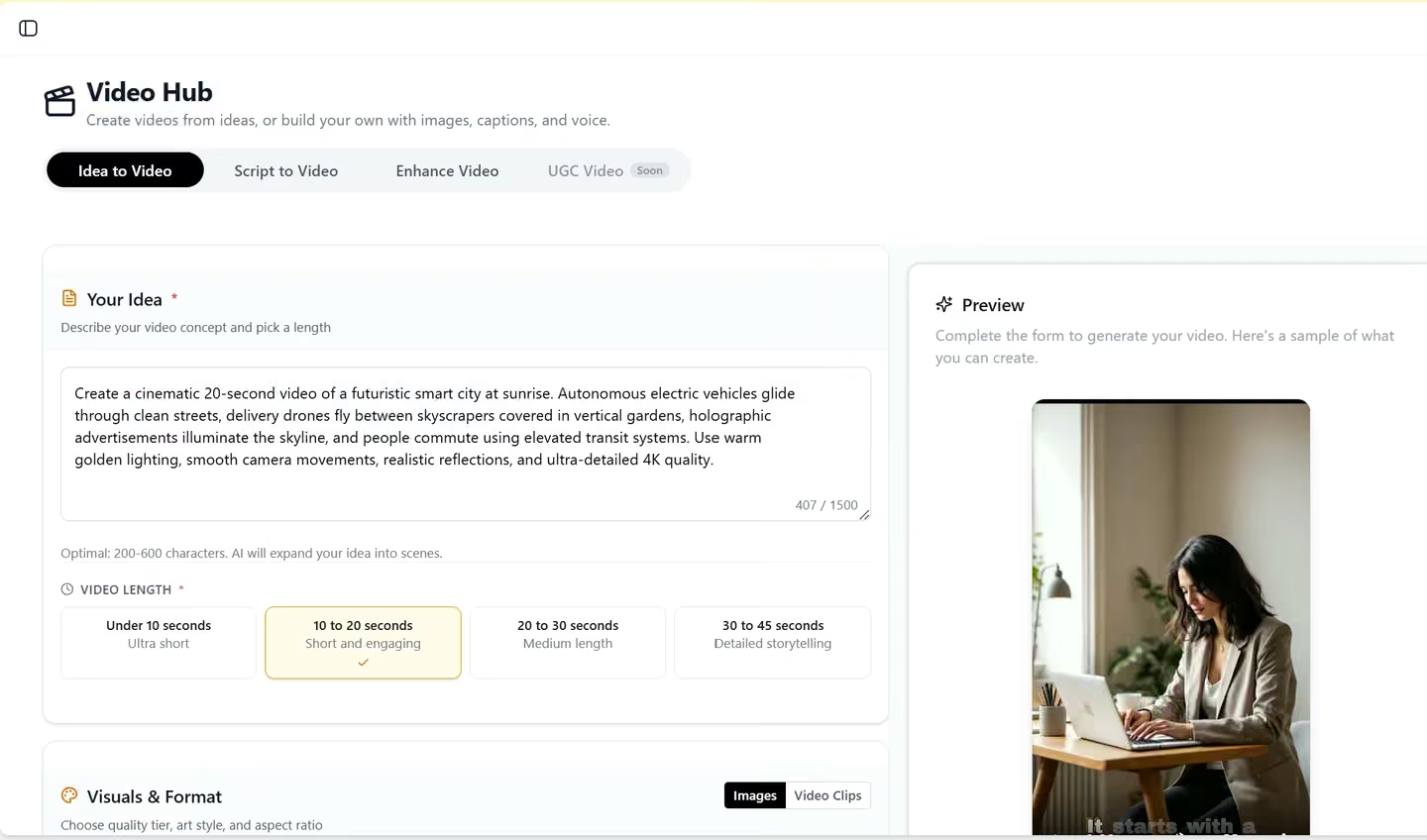
Type your raw idea, topic, or talking points in plain text. No scriptwriting required. Qten AI understands your intent and plans the video narrative around it.
Step 2
Qten AI analyzes your idea and generates a complete, video-ready narration script optimized for engagement and viral appeal. Review it, tweak it, or accept it as-is.
Step 3
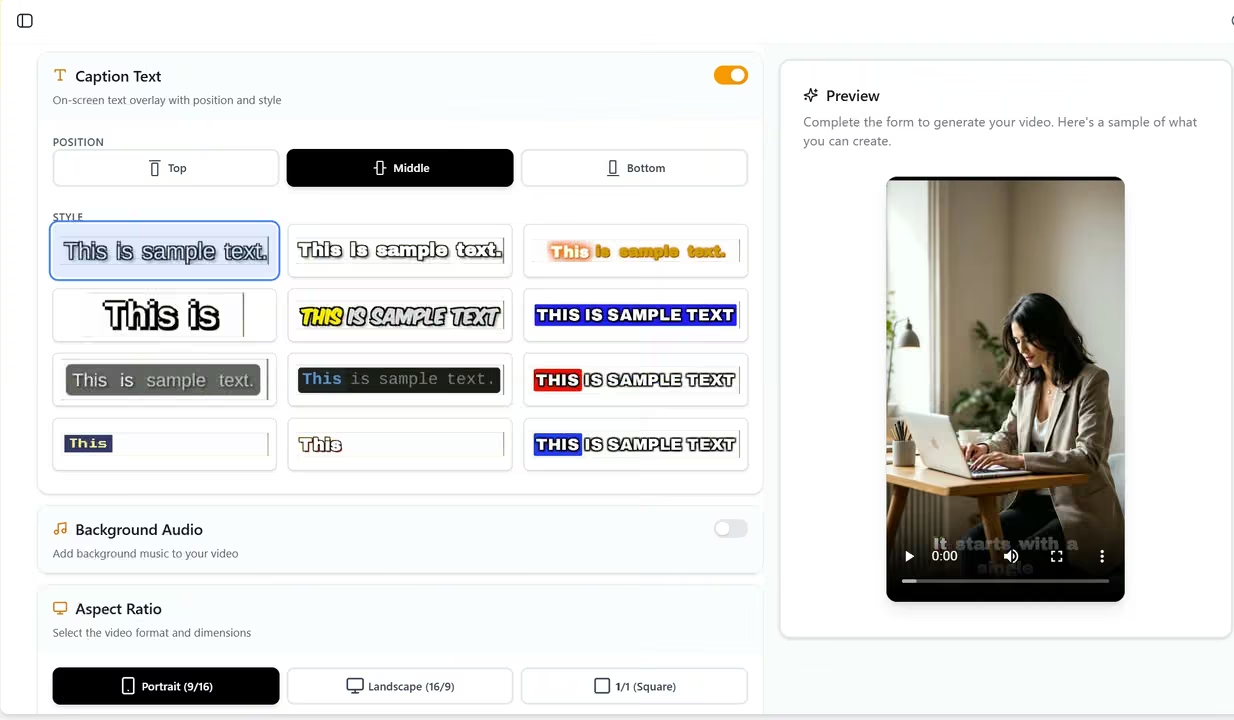
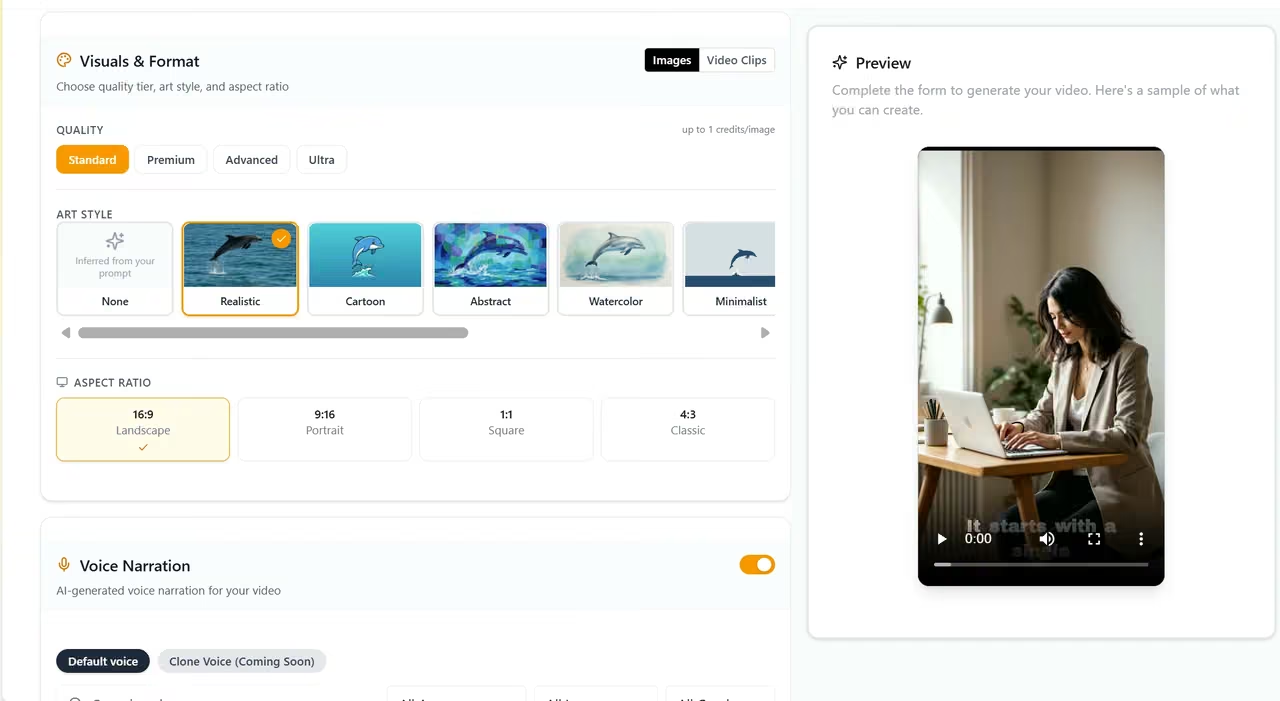
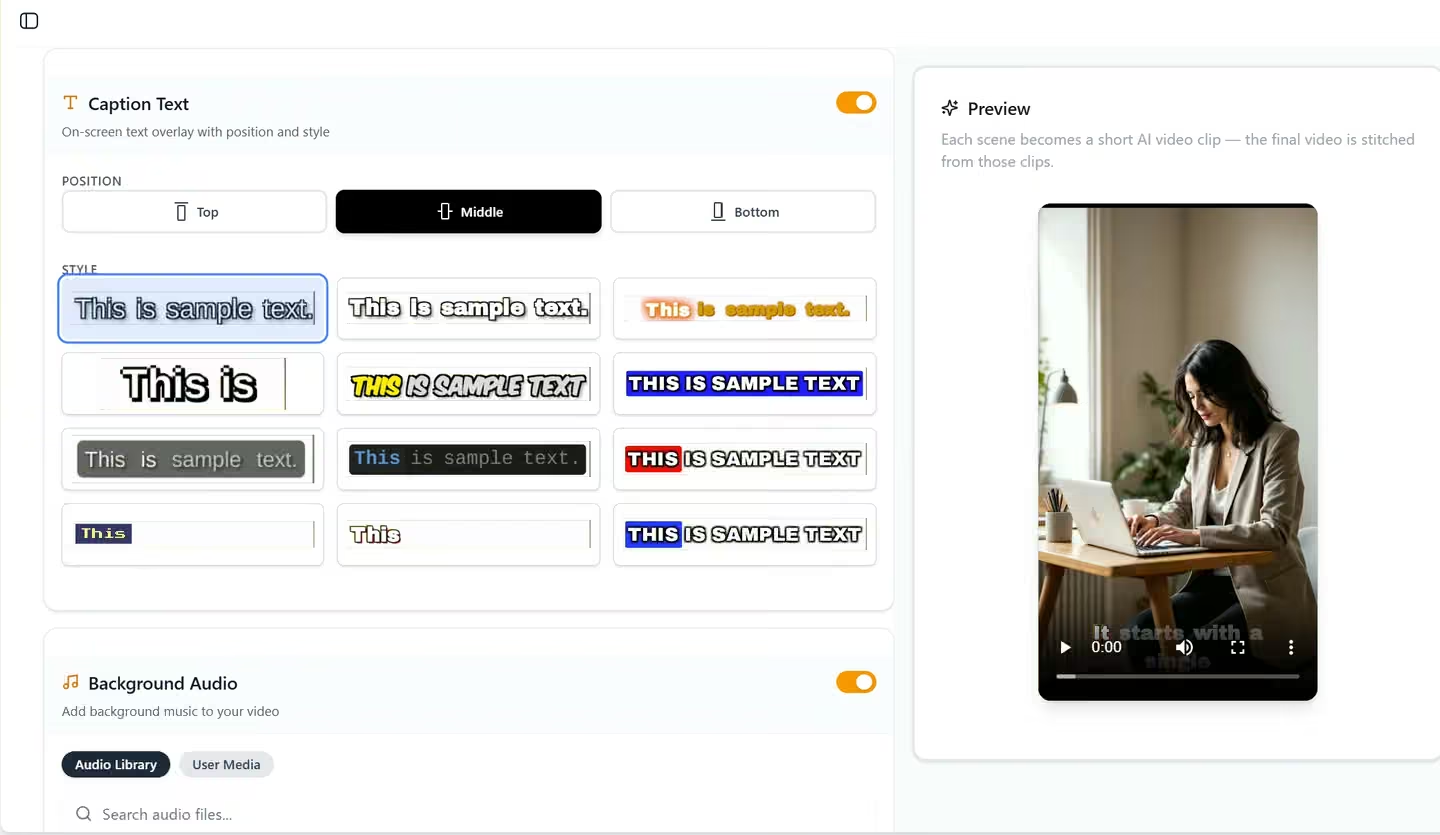
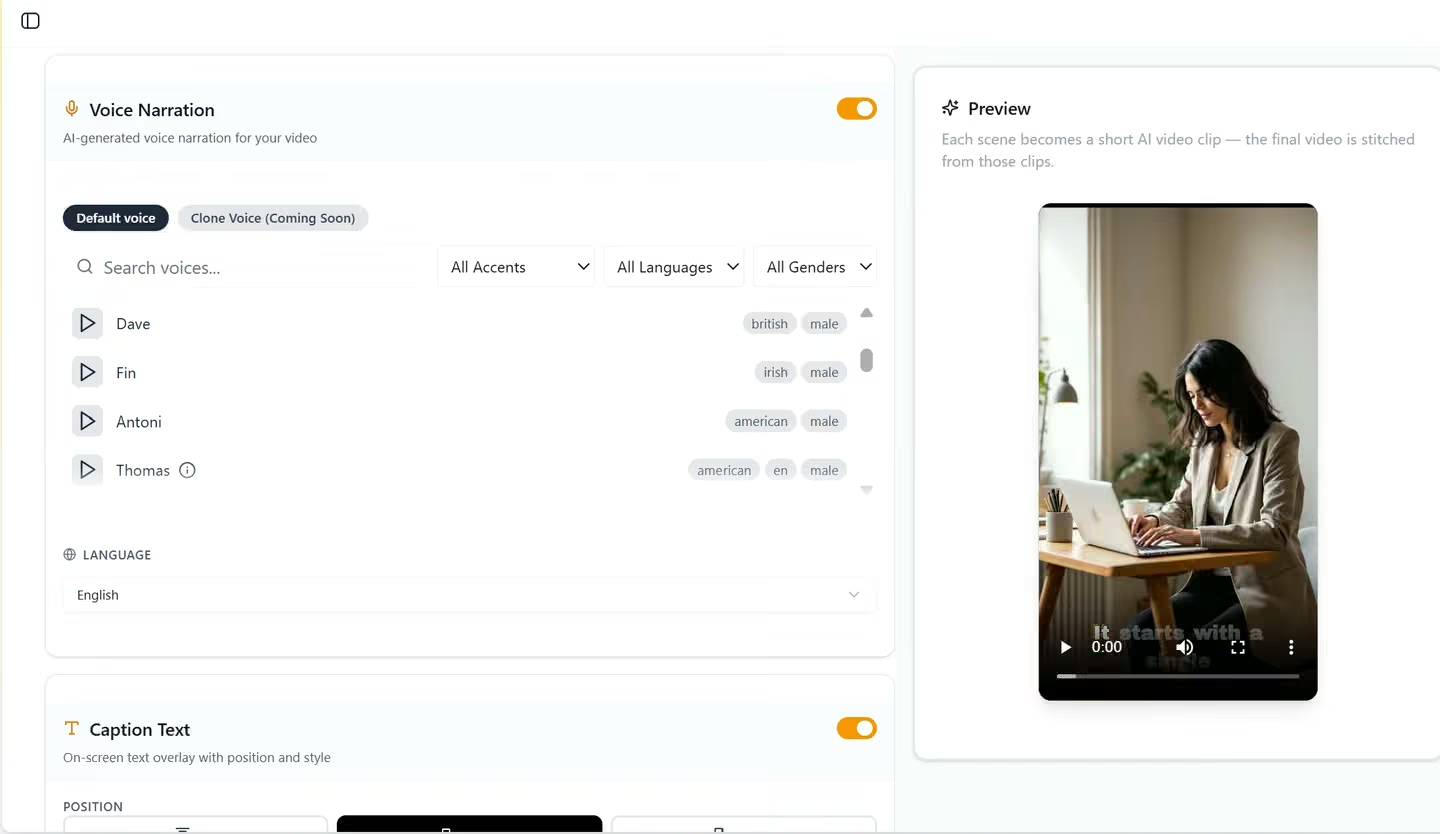
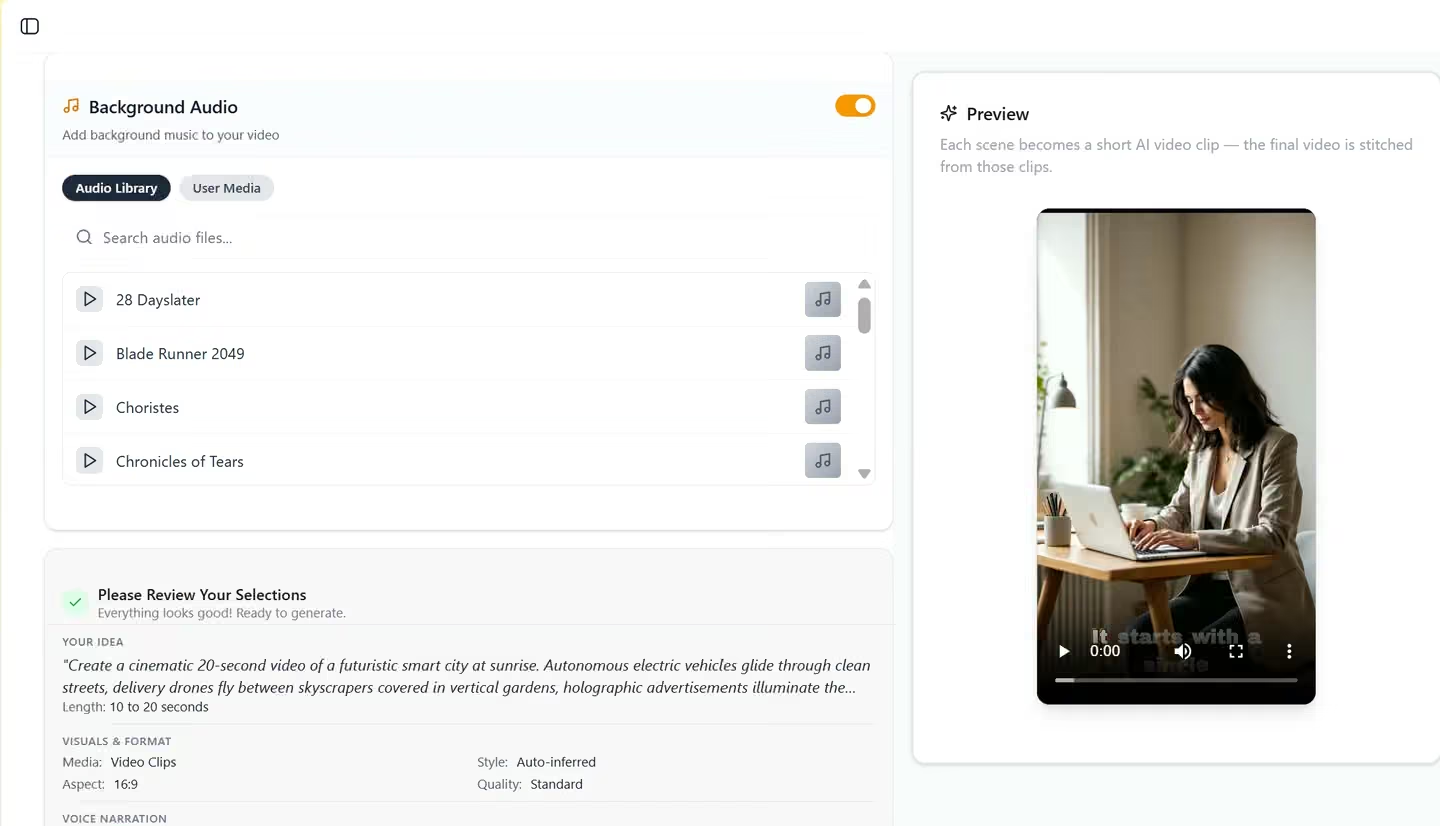
Choose an AI voice for narration, an art style for AI-generated scene visuals, background music, aspect ratio, and desired video length. Everything is set before generation.
Step 4
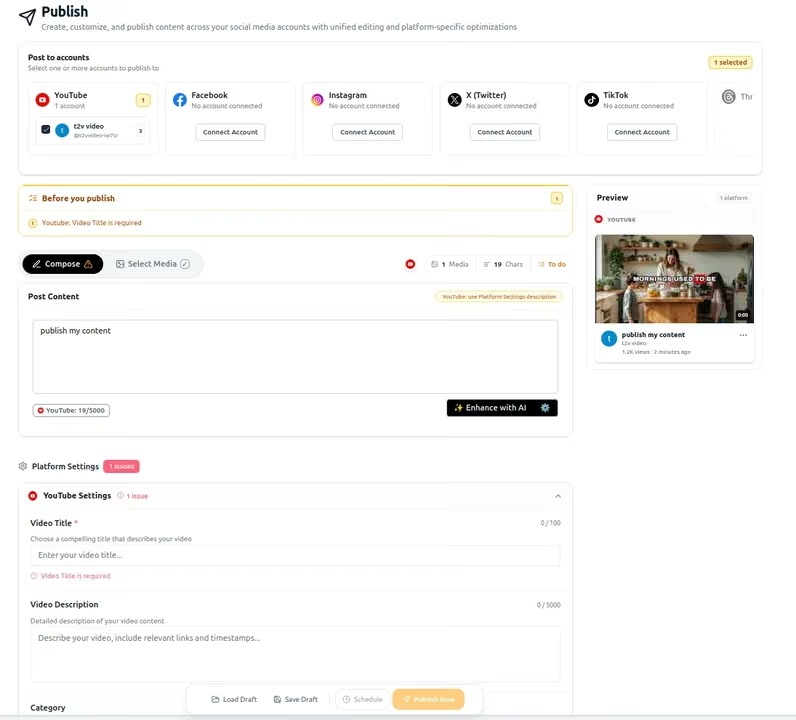
Click generate and Qten AI creates the complete video — AI-generated visuals, narration, word-level captions, and music, all perfectly synced. Download it or publish directly to your platforms.
Made with Qten AI
Every clip here was generated on Qten AI. Click one to watch it with sound.
Who uses it
Whether you have a business idea, an educational concept, or a social post in mind — Idea to Video takes you from concept to published in minutes.
Turn trending topics, opinions, and creative concepts into polished short-form videos instantly. Stay consistent on TikTok, Instagram Reels, and YouTube Shorts without spending hours in post-production.
Describe a lesson concept or coaching tip and let AI build the teaching narrative. Create educational video content at scale without filming, scripting, or editing.
Convert product ideas, campaign concepts, and campaign angles into video content rapidly. Test multiple creative approaches at a fraction of the time and cost of traditional video production.
Qten's Idea to Video is genuinely impressive. I describe a product concept, and it generates a complete video with visuals, voiceover, and transitions. I've tripled my upload frequency without hiring anyone extra.
FAQ
Yes. Qten's idea to video AI generator is free to start with no credit card: the Free plan includes 10 video generations a month. Type an idea and get a full video with script, scenes, voiceover, captions and music.
It can be as brief as one sentence or as detailed as a few bullet points. The AI is designed to work with vague inputs and clarify intent through the script it generates. You can always edit the script before generating.
Yes. After the AI generates a script, you can review and edit it before submitting. Use the Scene Story mode to review the scene-by-scene plan before full generation.
Qten AI offers a range of art styles including photorealistic, cinematic, illustrated, minimalist, and more. The available styles may expand over time as new AI models are added.
Quick Generate mode typically completes in under 2 minutes. Scene Story mode may take longer depending on video length and the number of scenes.
Quick Generate is fully automated — give an idea and get a complete video. Scene Story shows you the AI's scene-by-scene plan before generating, so you can review and adjust the structure. Choose Scene Story when you want more creative control.
YouTube, TikTok, X (Twitter), Facebook, Instagram, Threads, and LinkedIn. Connect your accounts once and publish to any combination in a single click.
Discover other powerful tools in the Qten AI platform
Free to start. No credit card required.
Create Your First Video